Everyone always talks about getting yourself organized for the Job Search, but no one really offers practical advice on how to do it. Oh yes, they say to keep adequate records, but they give little more in the way of advice. Well now you'll have it. I'm going to tell you how to get yourself...
It will help to increase your value to employers and could be the secret to getting paid what you're worth. I don't know you, but I know a lot about you. That's what makes the internet such an incredible resource. I can sit here writing about you and you can sit there in awe of my amazing insight....
Why my account is suspended by JL team? An account is suspended if the account holder violate our Terms of Use. Below are some typical violation 1. Post contact information 2. Deposit using unauthorized credit card or paypal account 3. Failure to respond/reply during the dispute with...
Having published freelance blogs for almost three years now, we receive dozens of emails each week from readers asking how to get that "edge" on landing a telecommuting job. Our mantra is, "Network, network, network and begin your search in your own back yard." How? Tell everyone you meet that you...
Whether you temp by career choice, as a stop gap to finding a permanent position, or as a fill-in between classes, you have the ability to stand out. With the continued lack of both permanent and temporary positions during the current ‘jobless recovery,’ your attitude and professionalism can...
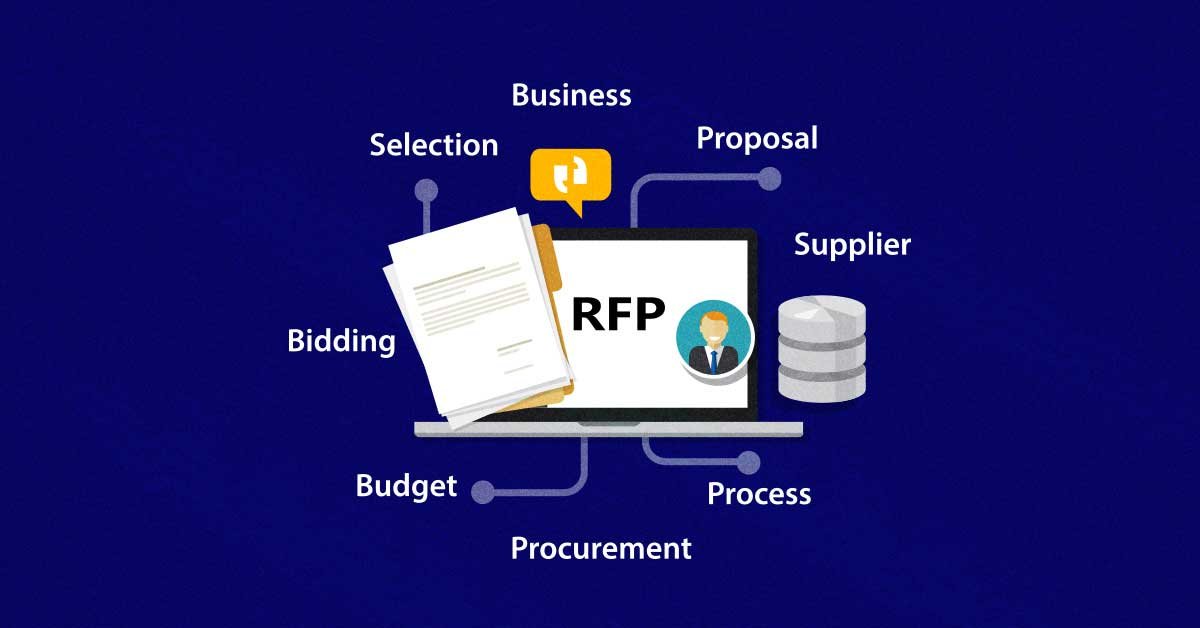
When a request for proposal (RFP) comes in, you get excited! It’s a chance to earn income, develop more business contacts, and expand your client base. You work your little heart out in order to be thorough, compelling, and professional. Everything is in place. Your RFP is geared to show why...
Joomlancers provides users with optional free of charge work-phase payment options to help projects get completed smoothly. JoomLancers does not operate an escrow service. The work-phase payment just gives facilities for an advance payment through which Buyers can set aside a specific amount of...
Do place bids only for jobs that you are sure you can complete in time and bid a price only when you have specified the complete scope of the project. Make things clear by asking the buyer questions. Get these things out in the open at the beginning, rather than risking a potential arbitration....
What does this mean? You have completed registration for Joomlancers prepaid debit MasterCard powered by Payoneer and your Payoneer account is pending for approval. Upon approval, you shall receive a notification mail from Payoneer and further instructions on card delivery and activation. It can...
If payment for a project is made outside JoomLancers (Not using JoomLancers Escrow Payment):An additional fee of 5% of project value (Min: $5) will be applied for project not using JL Escrow Payment irrespective of Gold or Sponsor members. This is the only way JL system protects itself from fake...